

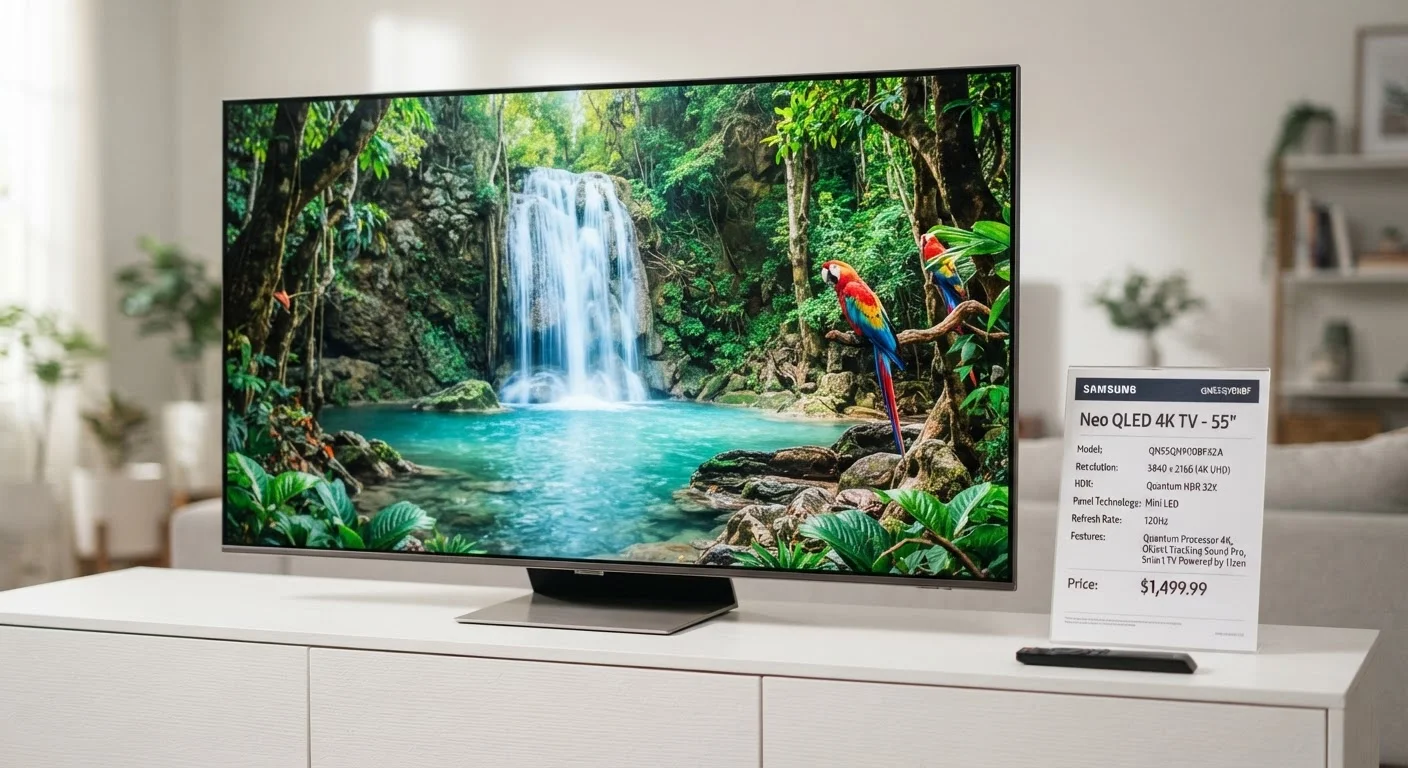
Why spec numbers can mislead
When you compare TVs on a retailer's website, you see columns of numbers: 4K, 120Hz, HDR10+, 1000 nits. The assumption built into that format is that higher numbers reliably translate to better pictures. That assumption is only partially true, and in some cases it is wrong.
Manufacturers measure many specs under conditions designed to produce favorable results, not to replicate a typical home environment. A stated brightness figure, for example, may reflect a brief peak measured on a small window of the screen rather than sustained brightness across the full panel. The spec is not false, but it describes a narrow condition, not your living room.
The glossary of consumer electronics terms can help decode abbreviations and format names as you read through the sections below.
Spec sheets follow no universal standard
There is no industry-wide requirement that TV manufacturers measure or report specs using identical testing methods. Two televisions listed at '1000 nits' may have been measured under different conditions and produce noticeably different results side by side. This inconsistency is why independent lab measurements are more comparable than manufacturer-published figures.
Resolution: when pixels stop mattering
Resolution describes the number of pixels arranged on the screen. A 4K panel has roughly 8.3 million pixels arranged as 3840 x 2160. A 1080p panel has about 2.1 million. That is a real difference in pixel count, but whether you can see it depends on two things: screen size and how far away you sit.
Human vision has a finite resolving ability. At a seating distance of ten feet, the pixel grid on a 55-inch 4K screen blends into a smooth image, and the jump from 1080p to 4K becomes nearly invisible. The benefit of 4K resolution is most visible on large screens (65 inches and above) watched at closer distances, which is common in gaming setups.
8K resolution, which is now marketed on some premium sets, requires very large screens and very close viewing distances for any visible benefit. At normal family room distances, peer-reviewed perceptual studies have found the difference between 4K and 8K to be imperceptible for most viewers.
~10 ft
Distance at which 4K vs 1080p difference is minimal on a 55-inch screen
Perceptual models based on human visual acuity research suggest the resolution difference becomes imperceptible beyond roughly 1.5 to 2 times the screen height at standard viewing distances.
400-600 nits
Minimum peak brightness for a meaningful HDR experience
Display calibration communities and independent reviewers generally cite this range as the floor for visible HDR highlight performance in typical home conditions.
60Hz
Native refresh rate hidden behind many high motion-rate claims
A large share of mid-range TVs marketed with figures like 120 or 240 effective motion rate use 60Hz native panels with motion-processing software applied on top.
Refresh rate and the motion rate trick
Refresh rate, measured in hertz (Hz), describes how many times per second the panel redraws the image. A 60Hz panel redraws 60 times per second. A 120Hz panel redraws 120 times per second, which produces smoother motion in fast-moving content like sports and video games.
The spec sheet problem here is the proliferation of terms like "motion rate", "effective refresh rate", "TruMotion", and "MotionFlow". These figures double or quadruple the native panel rate to reflect motion-processing software, not hardware. A TV listed at 240 effective refresh rate may have a 60Hz native panel. The software processing can reduce motion blur, but it also introduces an artifact called the soap opera effect, where filmed content appears unnaturally smooth. Most TVs allow this processing to be turned down or off in settings.
For gaming, native refresh rate matters most, and the spec to check is the hardware figure, not the processed one. For sports viewing, even 60Hz native performs acceptably for most families.
HDR labels and what they actually require
HDR stands for high dynamic range, a technology that extends the gap between the darkest and brightest parts of an image. Several competing formats exist: HDR10 is the baseline standard; Dolby Vision and HDR10+ add dynamic metadata that adjusts the HDR mapping scene by scene; HLG is designed for broadcast.
A TV that lists "Dolby Vision supported" tells you the format compatibility but nothing about display performance. HDR content genuinely looks different only when the TV has enough peak brightness to deliver it. Recommendations from display calibration communities generally suggest a minimum of around 400 to 600 nits of peak brightness for a meaningful HDR experience, with 1000 nits or more for a strong result. A TV with 200 nits peak brightness and a Dolby Vision badge will technically display Dolby Vision content, but the highlights will not look noticeably different from standard video.
The nits figure is worth searching out in independent display measurements, since manufacturer peak brightness claims often reflect small-window burst measurements rather than full-screen sustained brightness.
How streaming platforms compare is also worth reading once you have settled on a display, since HDR format support varies across streaming services and devices, not just the TV itself.
Panel type shapes the picture spec numbers cannot
Resolution and refresh rate describe what the signal contains. Panel type determines how light and color are physically produced, and that shapes contrast, black levels, and viewing angle in ways that no single number captures.
LCD panels (which includes most mid-range sets) use a backlight behind the liquid crystal layer. Contrast is limited by light bleed, though local dimming zones reduce this. OLED panels light each pixel individually, so black areas emit no light at all, producing infinite contrast ratios. QLED is a quantum dot-enhanced LCD that extends color gamut and brightness but retains the contrast limitations of LCD.
A high-contrast OLED panel at 1080p can look more cinematic in a darkened room than a 4K LCD with moderate local dimming. Panel type is a qualitative choice that the spec table mostly hides behind brand-specific marketing names. TV audio is a related decision, since built-in speakers on slim panels often underperform relative to the display quality.
Room conditions matter as well. A bright, sunlit living room rewards a high-brightness LCD; a dark home theater rewards OLED. No single panel type is objectively superior across all environments.
Frequently Asked Questions
At typical living-room viewing distances, the resolution difference between 1080p and 4K becomes hard to perceive on screens smaller than about 43 inches. The visual benefit grows as screen size increases and as seating distance decreases. For a small bedroom TV watched from across the room, 1080p is often indistinguishable from 4K.
Motion rate and effective refresh rate are marketing terms that describe a processed or interpolated figure, not the panel's actual hardware refresh speed. A TV advertised at 240 motion rate may have a native panel running at 60Hz. For smooth motion in sports or action content, the native refresh rate is the number that matters.
HDR support means the TV can accept and display an HDR signal, but the visible improvement depends heavily on peak brightness. A TV with low peak brightness may technically support HDR10 but deliver little visible difference from standard content. Look for peak brightness figures (in nits) alongside any HDR label.
OLED panels use individually lit pixels that can turn completely off, producing true black levels and strong contrast in dark rooms. QLED is a marketing term for LCD panels that use quantum dot filters to extend color range and brightness. QLED panels can be brighter, which suits well-lit rooms, while OLED suits darker viewing environments.
Most family setups connect a streaming device, a gaming console, and a cable or satellite box simultaneously, which requires at least three HDMI ports. Checking port versions matters too: HDMI 2.1 supports higher resolutions and frame rates than HDMI 2.0, which affects gaming and future-proofing.
Color coverage claims like 'covers 90% of DCI-P3' describe the range of colors a TV can display, but coverage percentage alone does not capture how accurately those colors are calibrated at the factory. Out-of-box calibration varies widely. Independent display reviews that include color measurement data give a more reliable picture than manufacturer claims.
The content provided on our blog site traverses numerous categories, offering readers valuable and practical information. Readers can use the editorial team’s research and data to gain more insights into their topics of interest. However, they are requested not to treat the articles as conclusive. The website team cannot be held responsible for differences in data or inaccuracies found across other platforms. Please also note that the site might also miss out on various schemes and offers available that the readers may find more beneficial than the ones we cover.