

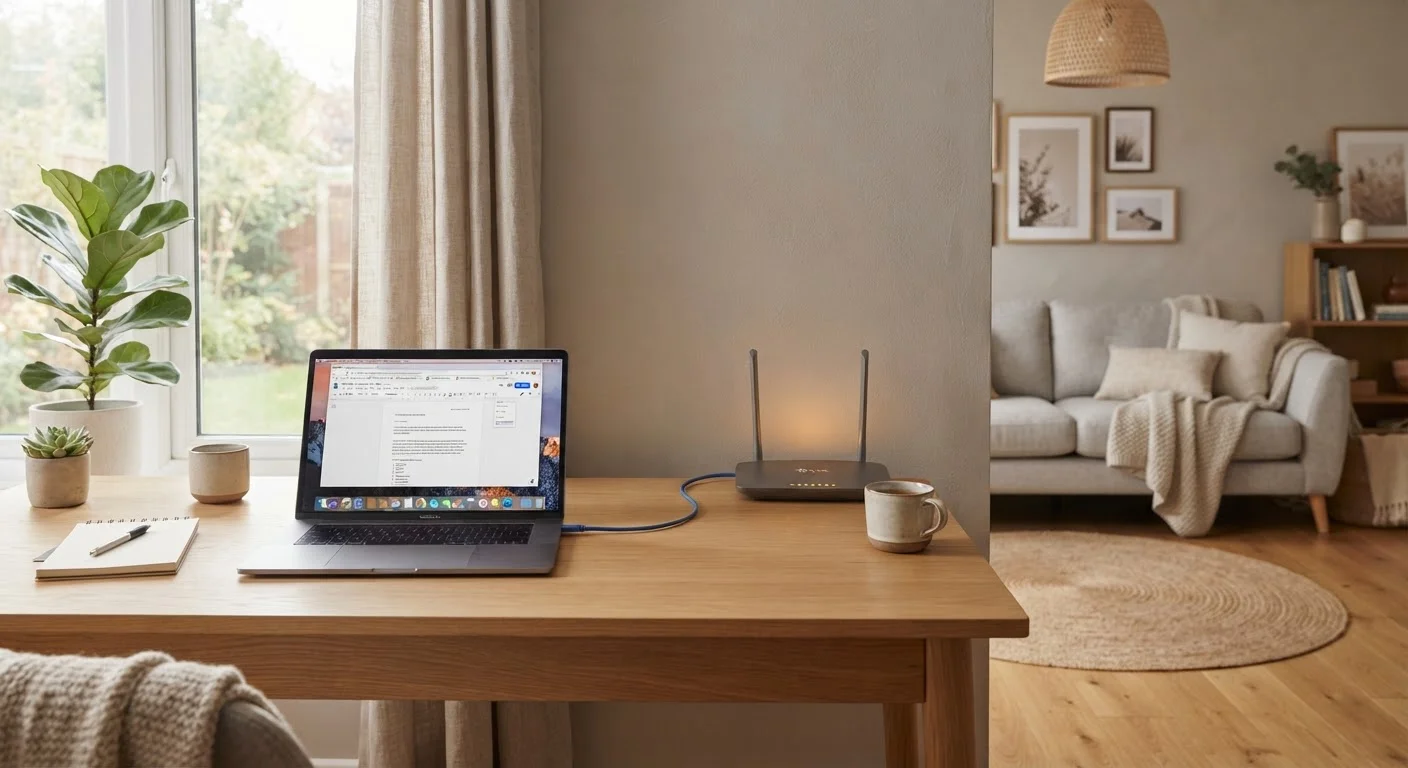
Option A
Wired (Ethernet) networks
The consistent, interference-free connection.
Best for: Households that stream 4K video, play online games, or work from home and need a stable, high-throughput connection.
Option B
Wireless (Wi-Fi) networks
The flexible, whole-home coverage option.
Best for: Families with smartphones, tablets, and smart-home devices that move room to room and cannot be tethered by a cable.
How each connection type moves data
Ethernet sends data as electrical signals through a copper cable (or light through fiber) in a dedicated, point-to-point path between a device and a router or switch. Because that path is physical and exclusive, the connection does not share bandwidth with neighboring devices and is not affected by radio interference.
Wi-Fi sends data as radio waves over shared spectrum. Every device on a Wi-Fi network competes for airtime on the same frequency band. When many devices transmit at once, they wait in a queue, which introduces small delays. Physical obstacles, microwave ovens, neighboring networks, and even the 2.4 GHz signal from older cordless phones all degrade Wi-Fi signal strength and throughput.
The practical result: Ethernet connections are generally faster and more stable at the same rated speed, while Wi-Fi is more convenient but more variable.
| Criterion | Wired (Ethernet) | Wireless (Wi-Fi) |
|---|---|---|
| Typical latency | 1-5 ms | 10-50 ms (varies) |
| Maximum throughput (common home cable) | Up to 10 Gbps (Cat 6) | Up to ~9.6 Gbps (Wi-Fi 6, ideal) |
| Interference susceptibility | None (physical medium) | Moderate to high |
| Device mobility | Fixed location only | Full mobility |
| Installation complexity | Moderate (cable runs needed) | Low (plug in router) |
| Consistency over time | Very consistent | Variable by environment |
| Suitability for dense device homes | Frees up Wi-Fi spectrum | Congestion rises with device count |
What actually limits your Wi-Fi speed
Router placement is the single largest variable. A router tucked in a closet or behind a television loses signal to physical barriers before the data even reaches the air. Concrete walls, metal studs, and floor joists reduce range significantly more than drywall does.
Band selection matters too. The 2.4 GHz band carries signal farther through walls but has a lower maximum throughput and is more congested, because older devices and many smart-home gadgets use it. The 5 GHz band is faster but has a shorter effective range. Wi-Fi 6 (802.11ax) and Wi-Fi 6E add a 6 GHz band that is nearly free of interference from legacy devices, which helps in apartment buildings with overlapping networks.
The number of simultaneous streams also limits speed. A Wi-Fi 6 router rated at 1,200 Mbps on the 5 GHz band shares that total capacity across every connected device. Ten devices each get roughly 120 Mbps in ideal conditions, less in practice.
Cable categories and what they mean for Ethernet
Not all Ethernet cables perform the same way. The cable category printed on the jacket determines the maximum supported speed and frequency.
- Cat 5e supports up to 1 Gbps at distances up to 100 meters. It is the minimum standard worth installing in a home today.
- Cat 6 supports up to 10 Gbps at distances up to 55 meters and reduces crosstalk (signal bleed between wire pairs) compared to Cat 5e.
- Cat 6A supports 10 Gbps at the full 100-meter run length and is the practical ceiling for most residential installs.
For a typical family home, Cat 6 strikes a reasonable balance between cost and future-proofing. The cable category caps what the physical run can carry; if your internet plan delivers 500 Mbps, even a Cat 5e cable will not be the bottleneck.
Your internet plan speed is the real ceiling
A Gigabit Ethernet cable or a Wi-Fi 6 router cannot deliver faster speeds than your internet service plan allows. If your plan provides 200 Mbps, that is the maximum any device on your network can reach from the internet, regardless of how fast the local connection is. Upgrading cables or routers improves performance within your home network (device-to-device transfers, for example) but does not increase your plan's download or upload speeds.
Building a hybrid network that makes sense for families
A hybrid approach, where Ethernet serves stationary high-demand devices and Wi-Fi covers everything else, is how most well-configured home networks operate. The steps are straightforward: connect your smart TV, desktop, gaming console, and any streaming box directly to the router or a nearby switch using Ethernet. Leave the Wi-Fi for phones, tablets, laptops that move around, and smart-home sensors.
If running cables through walls is not possible, powerline adapters (which use existing electrical wiring to carry network signals) and MoCA adapters (which use coaxial TV wiring) are alternatives that reduce reliance on Wi-Fi for fixed devices. Neither matches the consistency of a direct Ethernet run, but both outperform Wi-Fi at long range inside a home with poor signal penetration.
Mesh Wi-Fi systems can extend coverage in larger or multi-story homes, though the backhaul connection between mesh nodes (the link the nodes use to talk to each other) should ideally be wired to avoid cutting the available bandwidth in half on every wireless hop.
The content provided on our blog site traverses numerous categories, offering readers valuable and practical information. Readers can use the editorial team’s research and data to gain more insights into their topics of interest. However, they are requested not to treat the articles as conclusive. The website team cannot be held responsible for differences in data or inaccuracies found across other platforms. Please also note that the site might also miss out on various schemes and offers available that the readers may find more beneficial than the ones we cover.